Tabs
The Tabs component adds tabs.
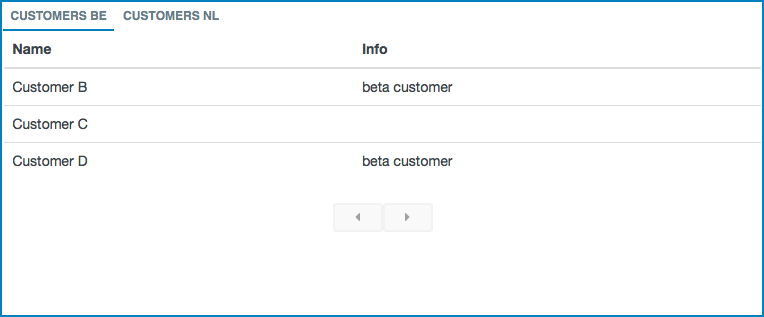
Each tab is a custom page component.
It has the following configuration options:
- Tabs: here you can manage the tabs. Select
 to open the
Manage tabs window.
to open the
Manage tabs window.- Select + or Add tab to add a tab.
- Select
 to drag the tab to another position.
 - Select
 to remove the tab.
 - Select
 to close the tab.
- Title: here you can select the title of the tab.
- Url: here you can define the URL of the custom page component you want to use as tab.
- Pass variables into component: if you select this checkbox, the page variables are passed to the custom page component that you have defined for the tab.
- Height: here you can define the height of the tab.